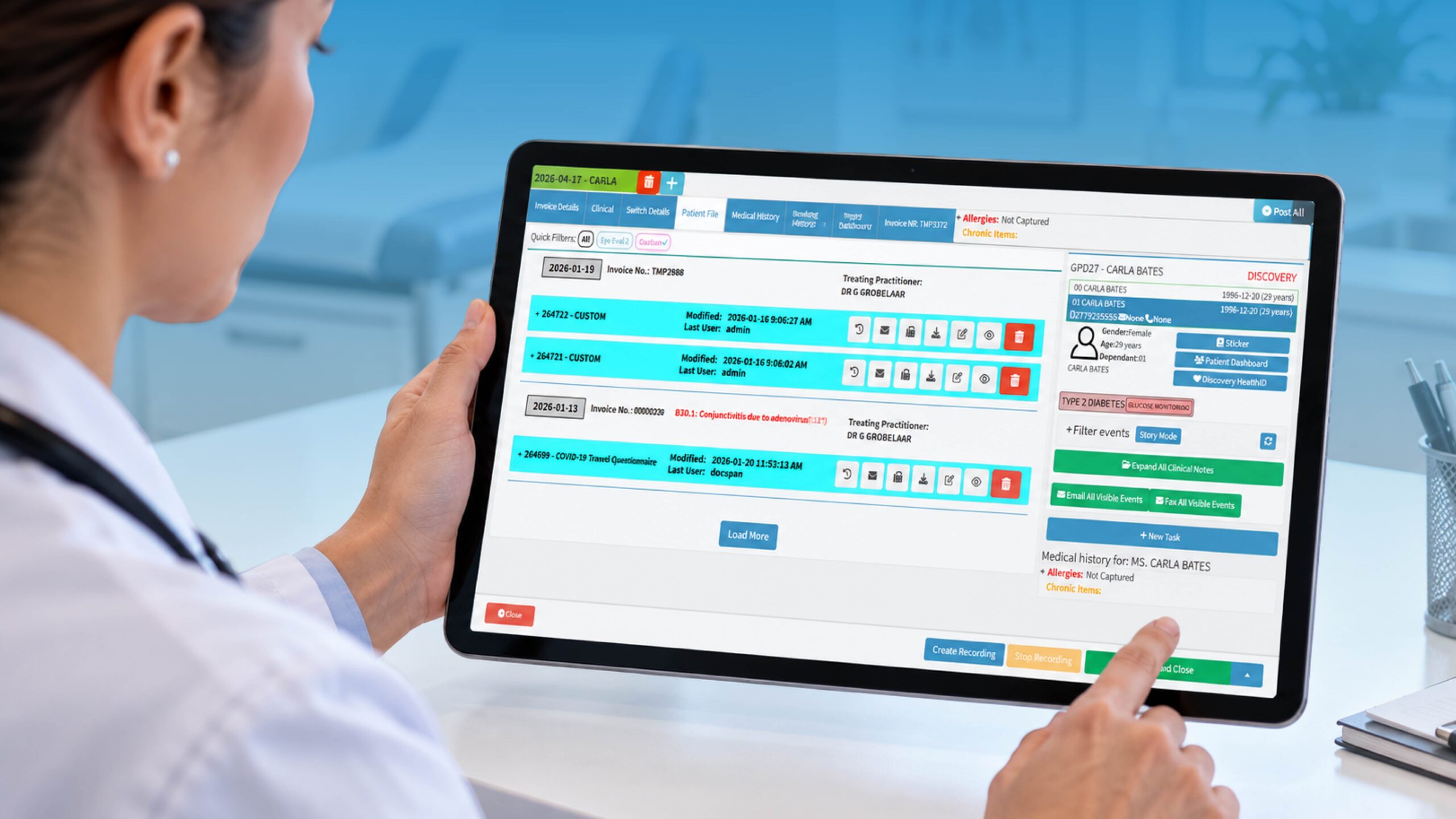
e prescribing software for physicians – How Doctors Should Choose E-Prescribing Software
Choosing the right e prescribing software for physicians is about more than replacing paper prescriptions with a digital screen. The right solution can help doctors prescribe more accurately, improve medication safety, reduce administrative work, manage refills, and communicate more efficiently with pharmacies.
But with so many options available, how should physicians choose the right system?
The answer is to look beyond the basic ability to send a prescription electronically and consider how the software fits into the complete clinical workflow.
What Is E-Prescribing Software for Physicians?
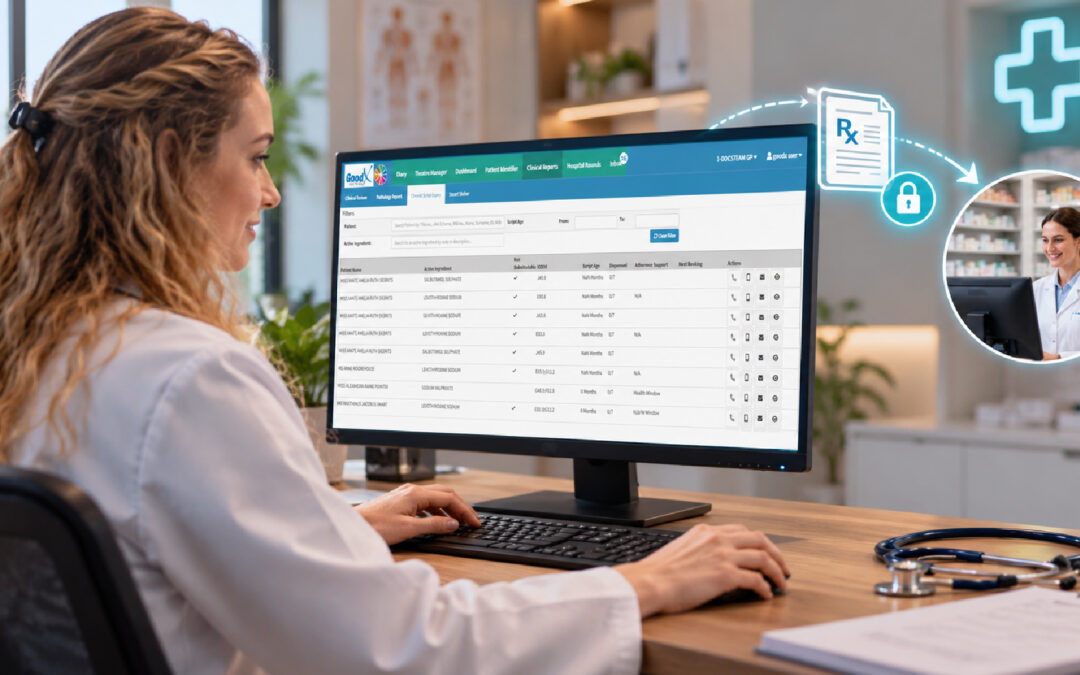
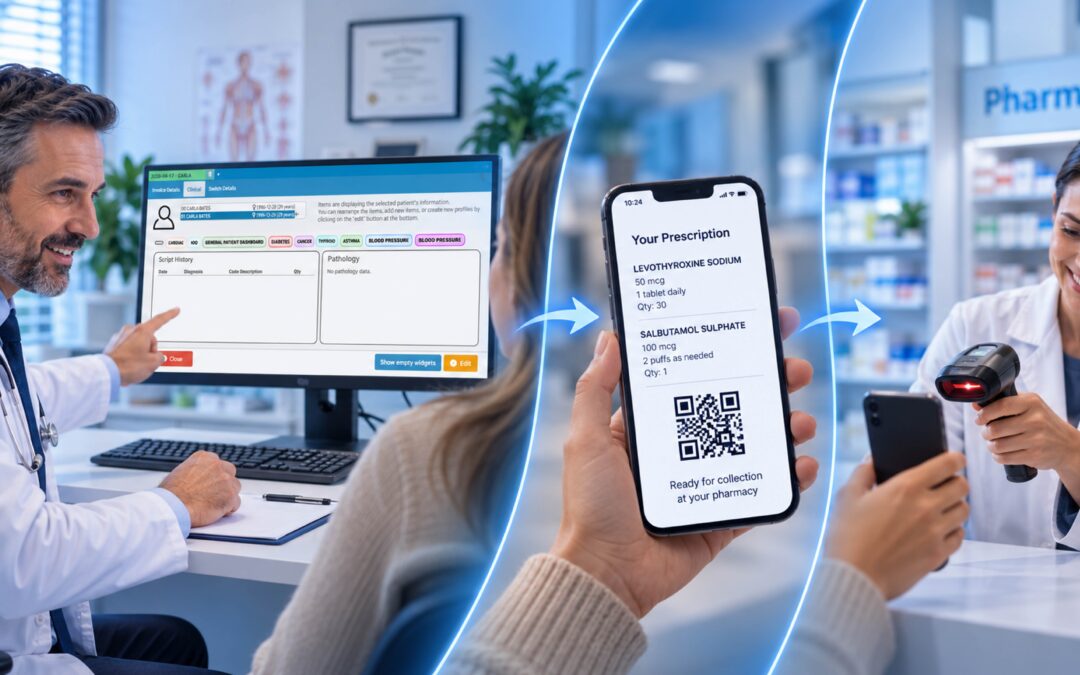
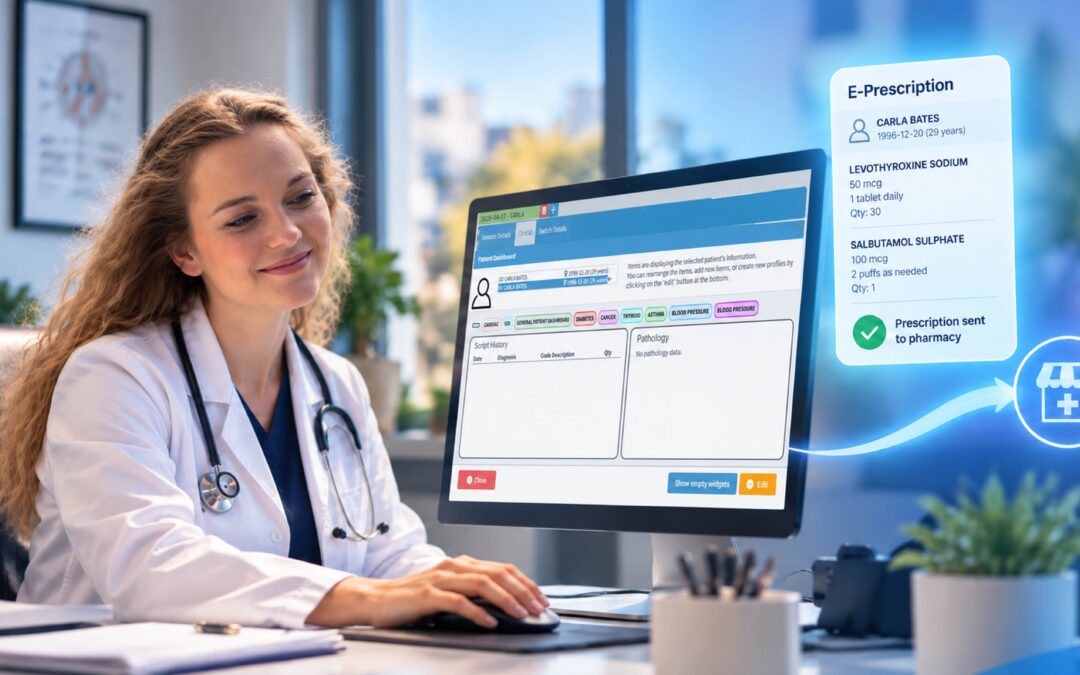
E-prescribing software allows authorised healthcare professionals to create, review, sign and electronically transmit prescriptions to pharmacies.
Instead of handwriting a prescription or calling a pharmacy, physicians can use a digital system to select medication, enter dosage and instructions, review relevant patient information and send the prescription electronically.
A modern e-prescribing workflow may include:
- Medication selection and prescription creation
- Drug and allergy interaction checking
- Medication history
- Pharmacy selection and connectivity
- Refill and renewal management
- Formulary and benefit information
- Electronic health record (EHR) integration
- Secure authentication and audit trails
The objective is simple: make prescribing safer and easier without disrupting the physician’s workflow.
Why E-Prescribing Matters to Physicians
Paper prescriptions can create unnecessary administrative work. Illegible handwriting, incorrect information, pharmacy clarification calls and manual refill requests can all take time away from patient care.
Electronic prescribing can help address these challenges by providing clearer prescription information and creating a more connected process between the physician, patient and pharmacy.
For physicians, potential benefits include:
- Improved accuracy through structured prescription information
- Medication safety checks for interactions and allergies
- Faster transmission to connected pharmacies
- Simpler refill management
- Better access to medication histories
- Reduced administrative workload
- Greater flexibility through cloud-based systems
However, the quality of the experience depends heavily on the software selected.
What Should Physicians Look for in E-Prescribing Software?
1. An Easy-to-Use Physician Workflow
Doctors work under time pressure, so prescribing software should be quick and intuitive.
Look for a system that allows physicians to easily:
- Search for medications
- Select dosage and frequency
- Choose a pharmacy
- Review medication history
- Check allergies and interactions
- Approve prescriptions
- Manage refill requests
The goal isn’t simply to have lots of features. The goal is to make common tasks require fewer unnecessary steps.
2. Medication Safety Features
One of the most valuable capabilities of electronic prescribing is automated medication safety checking.
Depending on the software and jurisdiction, systems may check for:
- Drug-drug interactions
- Drug-allergy interactions
- Contraindications
- Duplicate therapy
- Dosage concerns
- Existing medications
Good systems should also manage alerts carefully. Too many low-value warnings can lead to alert fatigue, where clinicians become less responsive to important alerts.
3. Medication History and Monitoring
Physicians need to understand what medications a patient is already taking before prescribing something new.
Look for software that can provide access to relevant medication histories and, where applicable, Prescription Drug Monitoring Program (PDMP) or similar information.
This can help physicians make more informed prescribing decisions and reduce the risk of medication duplication or potentially inappropriate combinations.
4. Pharmacy Connectivity
Electronic prescriptions need to reach the pharmacy reliably.
When comparing platforms, ask which pharmacy networks and pharmacies are supported in your market. Also consider what happens when a pharmacy cannot receive an electronic prescription.
This is particularly important for international healthcare organisations because digital prescribing infrastructure varies considerably between countries and regions.
5. Refill Management
Prescription management doesn’t stop after the initial prescription is sent.
Electronic refill workflows can help practices handle renewal requests without relying entirely on phone calls, paperwork or manual processes.
Useful features may include:
- Electronic refill requests
- Refill queues
- Physician approval workflows
- Refill history
- Prescription status tracking
A smoother refill process can save valuable administrative time for both physicians and practice staff.
6. EHR and Practice Management Integration
E-prescribing works best when it is connected to the rest of the practice.
Integration with an EHR or broader medical practice management system can reduce duplicate data entry and give physicians access to relevant patient information within the same workflow.
This is where GoodX can fit into the wider picture.
Rather than viewing e-prescribing as an isolated function, GoodX can be considered as part of a broader medical practice software environment, where clinical and administrative workflows can work together.
For practices considering e-prescribing, the important question is therefore not only “Can this system send prescriptions?” but also:
“How well does prescribing fit into the rest of our practice?”
That broader perspective can be particularly valuable for practices that want to avoid operating multiple disconnected systems.
7. Security and Compliance
Prescribing software handles sensitive patient and medication information, making security essential.
Depending on where a practice operates, requirements may include healthcare privacy, electronic prescribing, authentication, data protection and record-retention regulations.
When evaluating a vendor, ask about:
- Encryption
- User authentication
- Role-based access
- Audit trails
- Data backups
- Disaster recovery
- Access controls
- Regulatory compliance
Controlled-substance prescribing can also involve additional authentication and regulatory requirements, depending on the jurisdiction.
Cloud and Mobile Access
Physicians increasingly work across consultation rooms, hospitals, multiple practices and telehealth environments.
Cloud-based e-prescribing can provide greater flexibility by allowing authorised users to access prescribing functionality from supported devices.
This can be useful for:
- Telemedicine
- Multi-location practices
- On-call doctors
- Hospital environments
- Remote consultations
However, convenience should always be balanced with strong security and appropriate access controls.
Questions Doctors Should Ask Before Choosing Software
Before committing to an e-prescribing platform, ask vendors:
Workflow
- How many steps does it take to create a prescription?
- Can physicians customise frequently prescribed medications?
- Is mobile access available?
Safety
- What drug and allergy checks are included?
- How frequently is the medication database updated?
- Can alerts be configured?
Integration
- Does it integrate with our existing medical software?
- Which pharmacies and networks are supported?
- Can physicians access medication history?
Security
- How is patient information protected?
- Are audit trails available?
- What authentication methods are supported?
Costs
- Is pricing per physician, location or organisation?
- Are implementation and integration fees charged separately?
- What support and updates are included?
How GoodX Supports the Modern Medical Practice
For medical practices, choosing e-prescribing software shouldn’t mean looking at prescribing in isolation.
GoodX provides a broader medical practice software environment, making it relevant when practices are considering how clinical and administrative systems work together.
The value of this approach is that physicians can evaluate e-prescribing as part of the overall practice workflow, rather than simply adding another standalone application.
For a practice considering its next technology investment, this raises an important consideration: Will this software connect prescribing with the way our practice actually operates?
That can be just as important as the prescription function itself.
The Bottom Line
The best e prescribing software for physicians isn’t necessarily the platform with the longest list of features.
It is the solution that makes prescribing safer, simpler, faster and better connected to the physician’s existing workflow.
When comparing options, prioritise:
- Ease of use
- Medication safety
- Pharmacy connectivity
- Medication history
- Refill management
- EHR/practice software integration
- Security and compliance
- Mobile and cloud access
- Scalability
- Vendor support
And importantly, consider how e-prescribing fits into your entire medical practice software ecosystem.
For practices looking beyond a standalone prescribing tool, GoodX can be considered as part of that wider conversation—helping practices think about technology as an integrated part of everyday healthcare delivery, rather than another disconnected system.
Contact our team to book your free GoodX demo.
Disclaimer: This article is provided for general informational and educational purposes only. While GoodX Software takes reasonable care to ensure that the information is accurate and current at the time of publication, laws, regulations, industry standards, healthcare policies and technology may change. The content should not be regarded as medical, legal, financial or other professional advice. Readers should verify information relevant to their circumstances and consult an appropriately qualified professional where necessary. GoodX Software accepts no responsibility for decisions made or actions taken solely on the basis of this content.