Best E-Prescribing Software for Dentists: Features to Look For
Choosing the best e-prescribing software for dentists is about much more than replacing a handwritten prescription with an electronic one. The right solution can help dental professionals improve prescribing accuracy, support patient safety, reduce administrative work and create a smoother experience for both the practice and the pharmacy.
As dental practices become increasingly digital, e-prescribing is becoming an important part of modern clinical workflows. But with different solutions offering different capabilities, how do you know what to look for?
This guide explores the key features and benefits dentists should consider when evaluating e-prescribing software.
What Is E-Prescribing Software for Dentists?
Electronic prescribing, commonly called e-prescribing, allows dentists and other authorised prescribers to create prescriptions electronically rather than handwriting them.
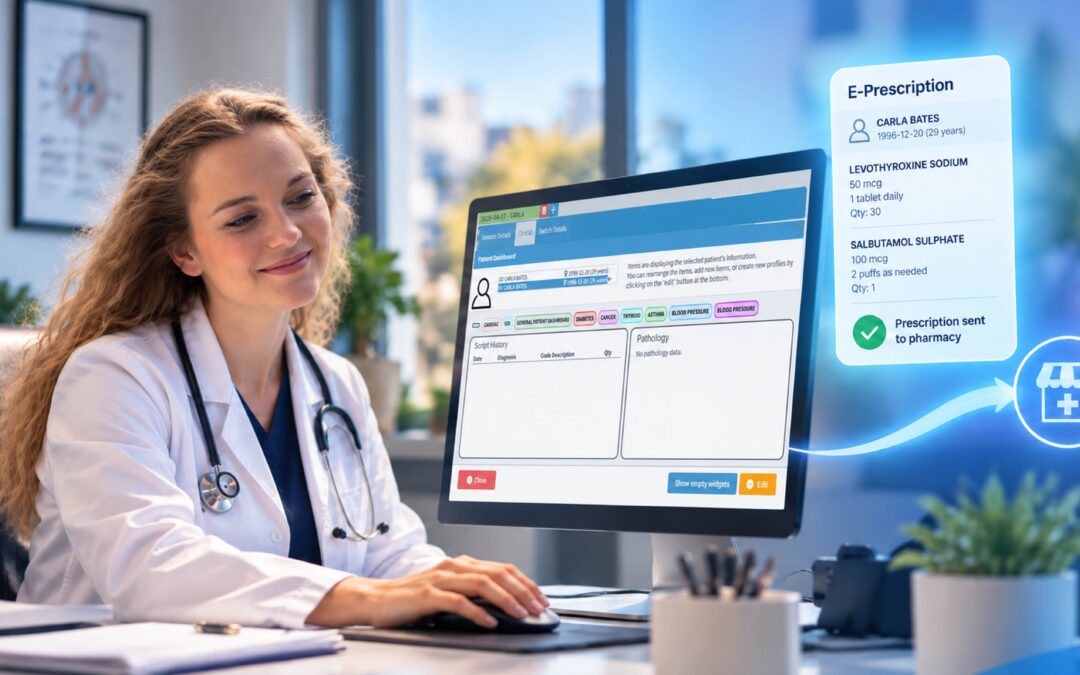
Instead of giving a patient a handwritten prescription to take to a pharmacy, an electronic prescription can be securely transmitted through an appropriate prescribing system.
The basic concept is simple, but modern e-prescribing software can provide considerably more than digital prescription transmission.
Depending on the solution, dentists may have access to features such as:
- Medication databases
- Allergy alerts
- Drug-interaction warnings
- Duplicate-therapy alerts
- Prescription history
- Prescription favourites
- Autofill functionality
- Controlled-substance prescribing capabilities
- Pharmacy connectivity
- Patient information
- Clinical decision-support tools
These features can make prescribing more structured and potentially reduce some of the risks associated with traditional paper prescriptions.
Why Should Dentists Consider E-Prescribing Software?
Prescription writing is a routine part of many dental practices, but routine does not mean risk-free.
A prescription needs to communicate the correct medication, dosage, frequency and instructions clearly. If information is difficult to read, misunderstood or incomplete, it can create problems for the patient and pharmacy.
The dental sources reviewed for this article highlight several important issues associated with prescribing, including illegible handwriting, medication errors, allergies, contraindications, drug interactions and medication non-adherence.
E-prescribing can help address some of these challenges while also making the prescribing process more efficient.
1. Improve Prescription Accuracy
One of the most straightforward advantages of e-prescribing is eliminating the problem of difficult-to-read handwriting.
A digitally generated prescription provides structured information that can be easier for pharmacists and patients to interpret.
But accuracy isn’t only about handwriting.
The best e-prescribing software can also provide information and alerts that help dentists identify potential problems before a prescription is finalised.
Depending on the system, these may include:
- Allergy notifications
- Drug-interaction warnings
- Duplicate-therapy alerts
- Medication information
- Dosage and frequency information
- Prescription history
These tools don’t replace a dentist’s professional judgement. Instead, they can provide an additional layer of information during the prescribing process.
2. Support Patient Safety
Patient safety should be at the centre of any e-prescribing decision.
A good system should make important medication information easier to access when the dentist is prescribing.
For example, if a patient has a documented allergy or there is a potential interaction between medications, an appropriate alert may draw the dentist’s attention to the issue.
This can be particularly valuable when a practice is dealing with a busy schedule and prescribing decisions need to be made efficiently.
The goal isn’t to overwhelm dentists with alerts.
It is to provide useful information at the point of care so that prescribing decisions can be made with greater awareness.
3. Help Dentists Save Time
Dental practices are busy.
Dentists need to concentrate on patients while practice teams manage appointments, records, billing, insurance or healthcare administration and countless other tasks.
Prescription software should therefore make prescribing easier rather than add another complicated process.
Features such as autofill and prescription favourites can help reduce repetitive data entry.
For frequently prescribed medications, having commonly used options readily available can save time throughout the day.
A well-designed workflow might allow a dentist to:
- Select the patient.
- Choose the required medication.
- Review relevant medication information.
- Check any alerts.
- Enter or confirm the prescription instructions.
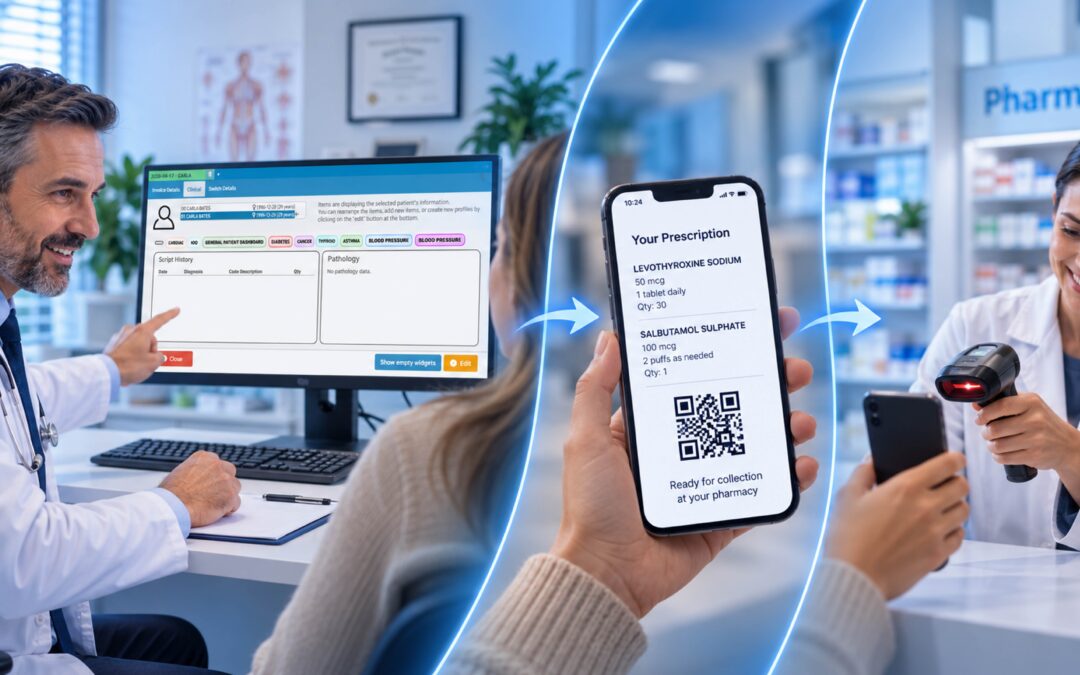
- Send the prescription through the appropriate electronic channel.
The fewer unnecessary steps involved, the better.
4. Consider Controlled-Substance Prescribing
Controlled-substance prescribing is another important consideration for dentists.
Regulatory requirements surrounding electronic prescribing of controlled substances, commonly referred to as EPCS, vary between jurisdictions. Some regions have introduced requirements for electronic prescribing of certain controlled medications, while others have different rules.
For an international dental practice, this means there is no single regulatory standard that applies everywhere.
Dentists should check the requirements applicable to their own jurisdiction and ensure that the software they choose supports the necessary functionality.
Where applicable, useful capabilities may include secure electronic prescribing, appropriate authentication and access to relevant prescription-monitoring information.
The software should support compliance — but dentists and practice owners still need to understand their local legal and professional requirements.
5. Access Prescription History and Monitoring Information
Another valuable feature is access to relevant prescription history.
Understanding what medications a patient has previously received can help provide additional context when prescribing.
This can be especially important when controlled substances are involved.
The Colorado Dental Association article highlights the importance of prescription-drug monitoring and the difficulties that can occur when clinicians have to leave their main software and access a separate system.
Where legally and technically possible, integrating relevant prescription-monitoring information into the prescribing workflow can make the process more efficient.
It can also reduce the need to repeatedly switch between applications.
6. Look for Drug-Interaction and Allergy Alerts
Medication alerts are among the most useful features to investigate when comparing e-prescribing software.
A system may be able to alert a dentist to potential:
- Allergic reactions
- Drug interactions
- Contraindications
- Duplicate therapies
- Other medication-related concerns
The exact functionality will vary between products and jurisdictions.
Dentists should therefore ask potential software providers exactly what clinical decision-support information is available and where that information comes from.
More alerts do not automatically mean better software. Poorly designed alert systems can create alert fatigue.
The objective should be relevant, actionable information, not an endless stream of warnings.
7. Make Prescribing Easier Across Devices
Modern dental practices don’t necessarily operate from a single computer.
Dentists may use desktops, laptops, tablets or mobile devices depending on their environment and the software they have selected.
The Colorado Dental Association article specifically highlights the limitations of solutions that restrict prescribing to a particular desktop or server-based environment.
For practices looking for greater flexibility, device accessibility can therefore be an important consideration.
Before choosing a system, ask:
- Can dentists access it from different devices?
- Is it cloud-based?
- Does it require specific hardware?
- Can authorised users access it securely outside the main workstation?
- Does the workflow remain consistent across devices?
Convenience matters, particularly when a software system is used repeatedly throughout the working day.
8. Consider Integration With Your Dental Practice Software
E-prescribing shouldn’t exist in a technological silo.
A dental practice may already use software to manage patient records, appointments, treatment plans, billing and other administrative functions.
Introducing a separate prescribing application can potentially create duplicated data entry and additional workflow steps.
This is why integration should be high on the checklist when comparing dental software.
The broader goal is to create a connected digital workflow in which information can move efficiently between the systems used by the practice.
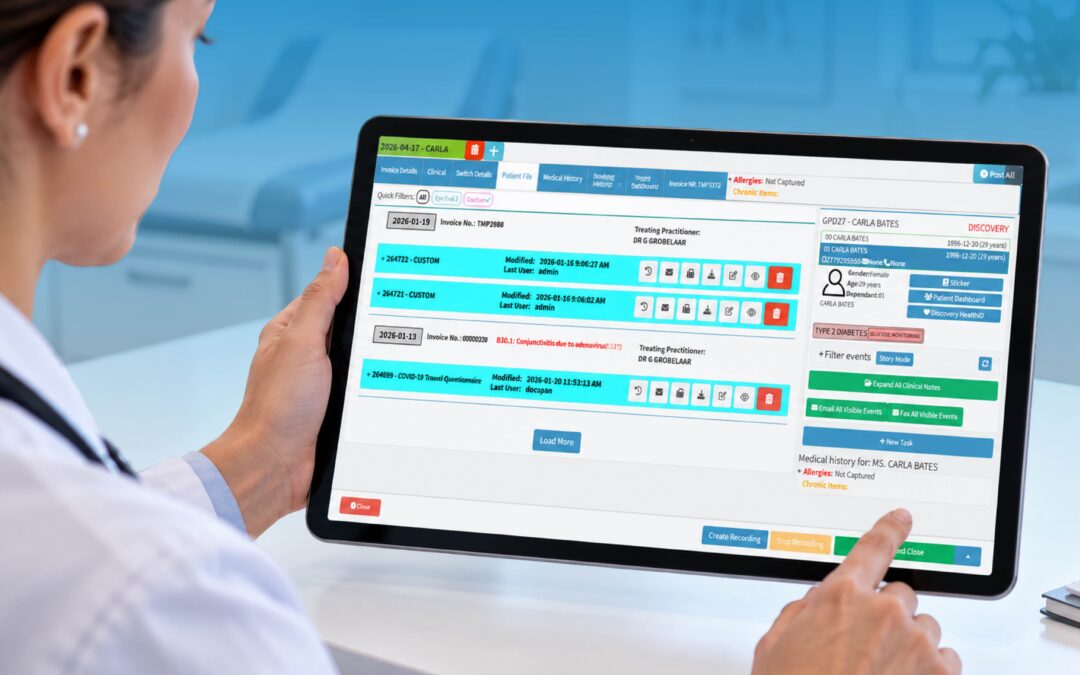
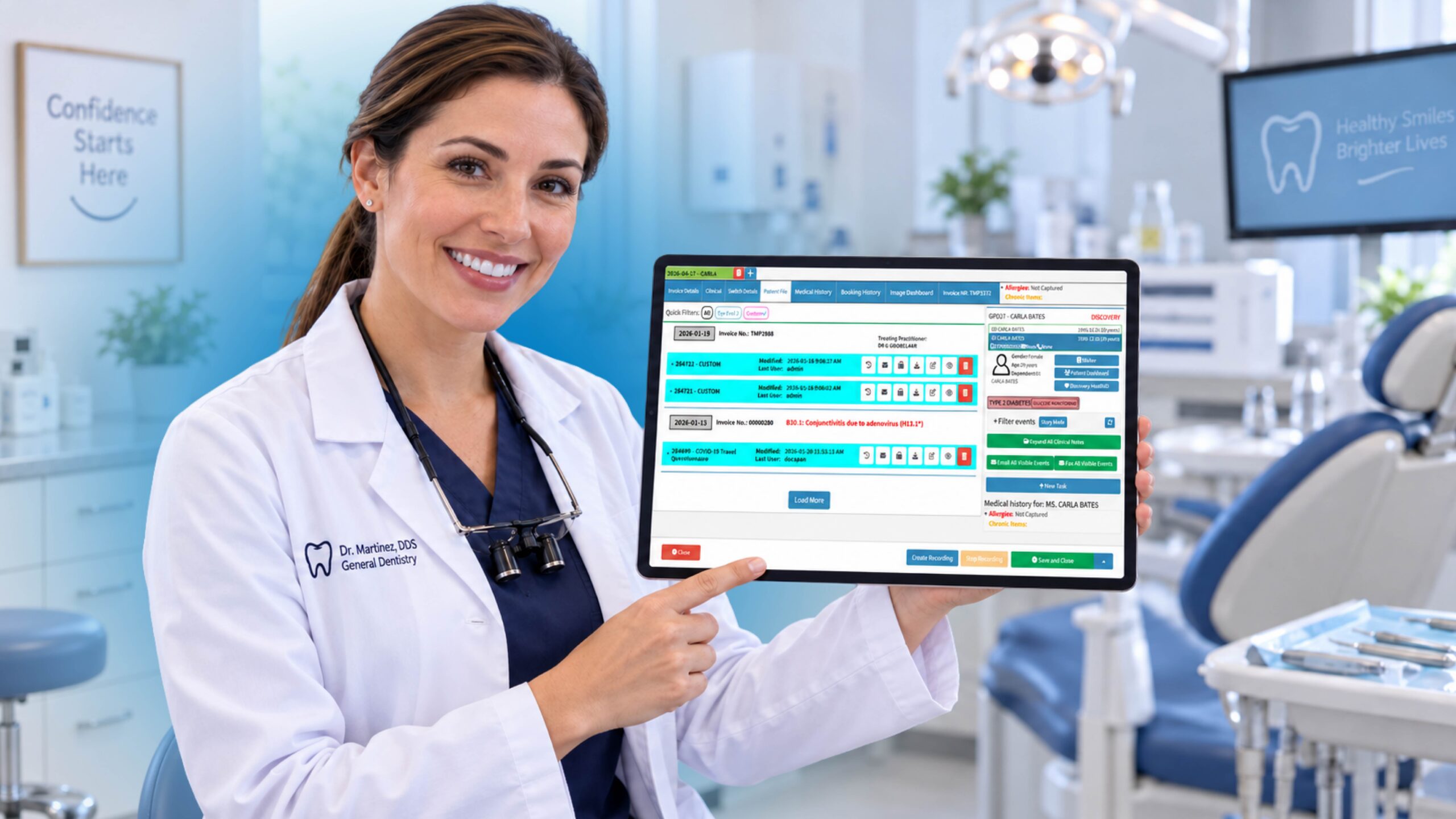
For example, a practice-management platform such as GoodX can play an important role in the wider digital management of a healthcare practice. When evaluating e-prescribing, dentists should consider how the prescribing solution fits into their existing practice-management environment and whether the overall technology stack helps staff work more efficiently.
The best software isn’t necessarily the system with the longest feature list.
It’s the one that fits the way your practice actually works.
9. Don’t Forget Medication Adherence
Writing the prescription is only the beginning.
The patient still needs to obtain the medication and take it according to the instructions.
Medication non-adherence can occur for many reasons. Patients may forget to collect their medication, struggle with cost or access, misunderstand instructions or simply fail to follow the prescribed schedule.
The Dentrix Enterprise article highlights the significant impact that non-adherence can have on treatment outcomes.
E-prescribing can potentially help by making the prescription process clearer and reducing some of the obstacles associated with traditional paper prescriptions.
Some systems may also provide patient education or prescription-related information.
Again, technology cannot guarantee adherence. But a smoother prescription process can remove some unnecessary friction between prescribing and treatment.
10. Look at the Pharmacy Experience
The prescribing process doesn’t end when the dentist clicks “send.”
The pharmacy also needs to receive and process the prescription correctly.
Electronic prescribing can reduce the problems associated with deciphering handwritten prescriptions and can help create a clearer communication channel between the prescriber and pharmacy.
When evaluating software, consider how prescriptions are transmitted and what happens if a pharmacy cannot fill the prescription.
A strong solution should make the overall process easier for all parties — dentist, patient and pharmacy.
What Should You Look for in the Best E-Prescribing Software for Dentists?
There isn’t necessarily one e-prescribing platform that is the best choice for every dental practice.
Instead, dentists should compare solutions against their own clinical, operational and regulatory requirements.
A useful checklist includes:
Clinical features
- Medication database
- Allergy checking
- Drug-interaction alerts
- Duplicate-therapy warnings
- Relevant clinical information
- Prescription history
Workflow features
- Autofill
- Prescription favourites
- Simple prescription creation
- Fast patient selection
- Minimal duplicate data entry
- Integration with existing dental software
Accessibility
- Desktop access
- Laptop access
- Tablet compatibility
- Mobile accessibility where appropriate
- Cloud-based functionality
Safety and compliance
- Appropriate security
- Authentication
- Auditability
- Controlled-substance functionality where required
- Support for applicable local regulations
- Prescription-monitoring capabilities where available
Patient experience
- Clear prescriptions
- Efficient pharmacy transmission
- Fewer opportunities for handwriting-related confusion
- Support for medication adherence
- Reduced administrative friction
Questions to Ask Before Choosing E-Prescribing Software
Before signing up for an e-prescribing solution, dental practices should ask the provider some practical questions.
Does it integrate with my existing practice-management software?
Integration can reduce repetitive data entry and help create a smoother workflow.
Can I access it from multiple devices?
This is particularly important for practices that don’t want prescribing restricted to a single workstation.
What medication alerts are included?
Ask specifically about allergies, interactions, contraindications and duplicate therapies.
Does it support controlled substances where I practise?
Requirements differ between jurisdictions, so verify that the software supports the regulations applicable to your practice.
How does it handle prescription history?
If prescription-monitoring information is important in your jurisdiction, determine whether it is integrated or requires a separate system.
How does the pharmacy receive prescriptions?
Understanding the end-to-end workflow is essential.
What happens when something goes wrong?
Ask about rejected prescriptions, pharmacy issues, support and troubleshooting.
Is E-Prescribing Worth It for Dental Practices?
For many modern dental practices, the question is no longer simply whether electronic prescribing is useful.
The more important question is which e-prescribing solution fits the practice best.
The potential benefits include improved prescription clarity, greater efficiency, medication-related alerts, better access to information and a more convenient experience for patients and pharmacies.
But software should never be selected based on marketing claims alone.
Dentists should consider the clinical features, usability, integration, security, accessibility, regulatory requirements and overall workflow before making a decision.
The Bottom Line
The best e-prescribing software for dentists should do more than send an electronic prescription.
It should help create a safer, clearer and more efficient prescribing workflow.
Look for software that provides useful medication information, supports allergy and interaction checking, offers convenient access, handles relevant regulatory requirements and integrates effectively with the systems already used by your practice.
Most importantly, think about the entire patient journey.
From the moment a dentist decides medication is appropriate, through prescription creation and transmission, to the patient collecting and taking the medication, every step matters.
And as dental practices continue moving toward connected digital systems, e-prescribing is only one piece of the bigger picture. The strongest technology strategy is one where clinical and administrative systems work together rather than forcing dentists and staff to jump between disconnected platforms.
GoodX can be part of that broader digital practice-management conversation, helping practices think beyond individual software functions and towards a more connected approach to managing their healthcare environment.
The technology may be digital, but the objective remains very simple: help dentists spend less time dealing with administrative friction and more time delivering excellent patient care.
Contact our team to book your free GoodX demo.
Disclaimer: This article is provided for general informational and educational purposes only. While GoodX Software takes reasonable care to ensure that the information is accurate and current at the time of publication, laws, regulations, industry standards, healthcare policies and technology may change. The content should not be regarded as medical, legal, financial or other professional advice. Readers should verify information relevant to their circumstances and consult an appropriately qualified professional where necessary. GoodX Software accepts no responsibility for decisions made or actions taken solely on the basis of this content.